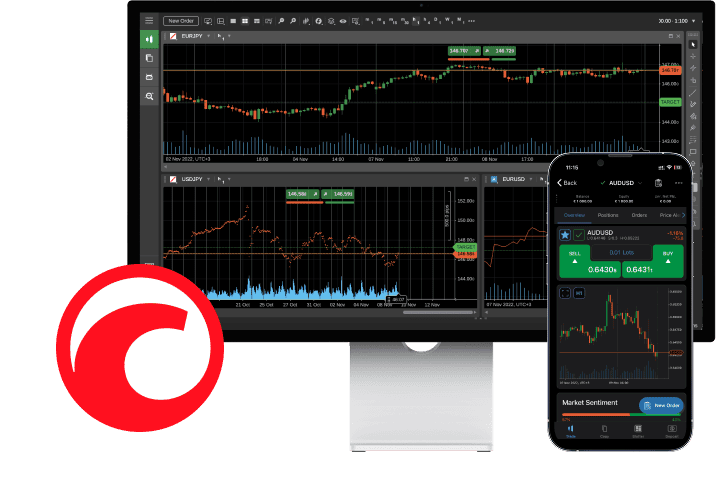
cTrader is a professional trading platform primarily used for Forex and CFD (Contract for Difference) trading. The cTrader suite of applications was developed by Spotware Systems and is well-regarded for its user-friendly design, advanced trading tools, and powerful features.
The platform is available for the majority of devices, comprising desktop, web, and mobile versions.
For Mobile Users
Trade Anytime, Anywhere, and Maximize Your Potential.
For Desktop Users
Trade Anytime, Anywhere, and Maximize Your Potential.
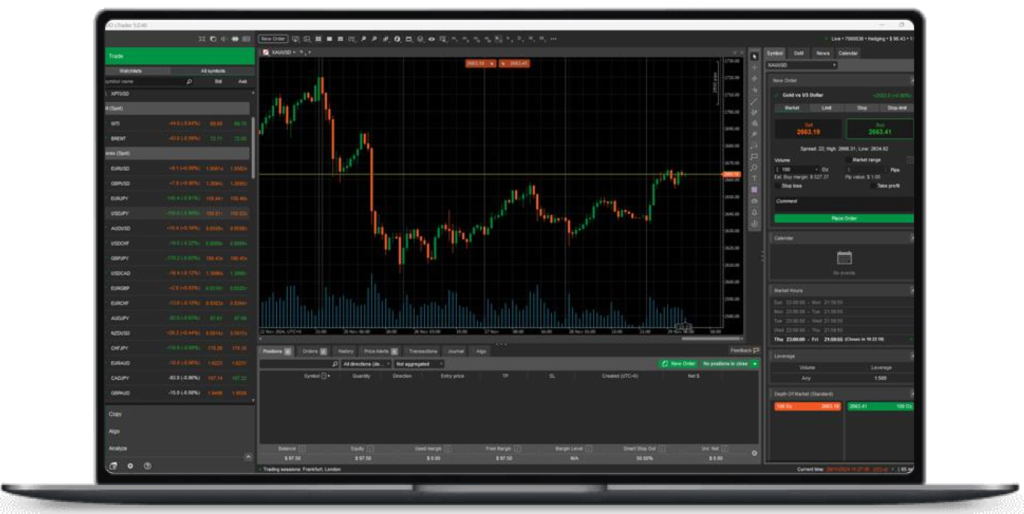
cTrader Desktop
Includes Trade, Copy & Automate, Rich User Interface, Dark and Light Theme, Full Order Depth, Algorithmic Tradingwith Cloud Based-Algos. cTrader Desktop is the platform for any serious trader for both manual, copy and automated trading, it allows traders to analyse charts and run algororthmic strategies.
Suitable for Multiple Monitors: Detachable charts and charting containers enable users to move charts to adjacent monitors, either individually or all at once, which is particularly beneficial for professional traders.
cTrader for the macOS
Includes Trade, Copy & Automate For macOS 10.15 & Up. cTrader Mac is a native trading application for macOS with built-in algorithmic trading and a social trading platform. You can download cTrader macOS from any brokers website. It shares the same features as cTrader Desktop with Copy and with the Automated Trading functionality.
cTrader Mac is a native trading application for macOS with built-in algorithmic trading and a social trading platform.
While the platform maintains a consistent interface across all devices, cTrader Mac offers a seamless experience for Mac users with familiar Windows, controls and hotkeys. It also leverages hardware resources to ensure superior app performance.
This guide focuses on the essential differences when using cTrader Mac compared to other cTrader applications. Whenever the user flow or interface in cTrader Mac resembles other platforms (Windows or Web), readers will be directed to related guides in the Help Centre to avoid repetition.
cTrader Web
Includes Trade & Copy For any Popular Browser. cTrader Web Application is a fully functional web version of the cTrader trading platform with similar charting and trading features as the Desktop version.
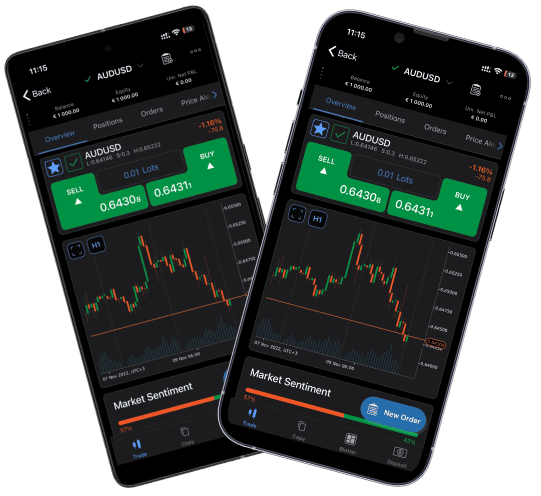
cTrader Mobile
Google Play, App Store, Amazon & APK
The cTrader Mobile application is a fully-featured Android version of the cTrader trading platform, offering the same charting and trading capabilities as other cTrader versions. With similar functionality for manual trading and charting, cTrader Mobile allows users to access their trading accounts and trade seamlessly across a range of devices and operating systems.